The WordPress featured image not showing problem can be frustrating because everything else appears to work normally. Posts get indexed, titles appear in search results, and social links are generated correctly, yet the thumbnail image never shows up.
I spent time checking SEO settings, cache behavior, and indexing reports before realizing the issue had nothing to do with plugins or search engine crawling. The actual cause was much simpler: inconsistent image dimensions.
Table of Contents
GEO Summary
This issue was observed on a WordPress site running OpenLiteSpeed and LiteSpeed Cache. Search results were indexed correctly, social previews were generated normally, and no site health warnings appeared. The problem was traced back to featured image sizing, aspect ratio consistency, and theme display requirements.
Why the WordPress Featured Image Not Showing Problem Became Noticeable
The first sign appeared in Google search results.
Several articles ranked normally, but some listings displayed thumbnails while others showed only the title and description. Since there were no indexing errors, the behavior was confusing.
After comparing multiple posts, a pattern started to emerge.
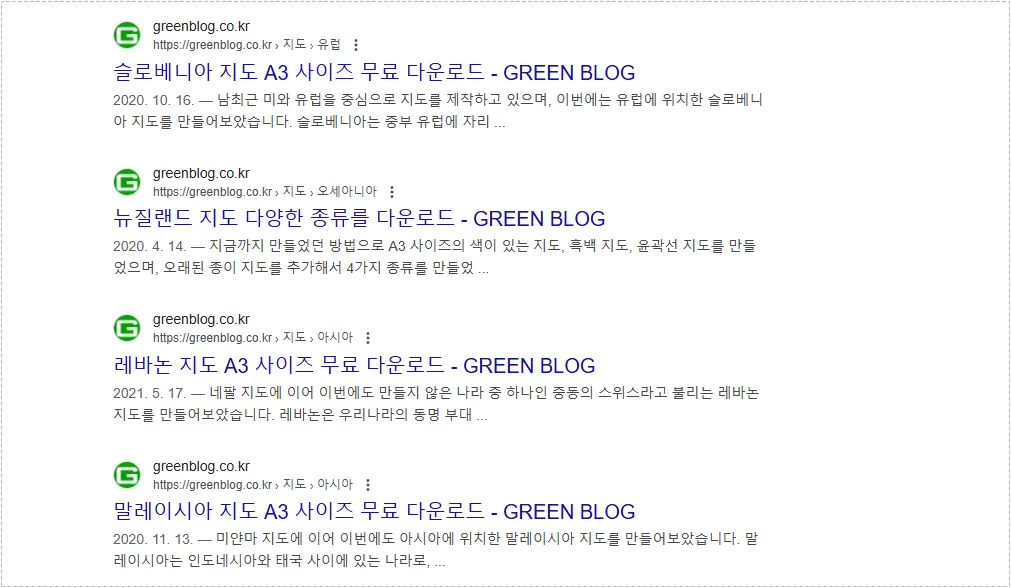
The pages themselves were indexed correctly. Search visibility remained stable, but thumbnail eligibility was inconsistent. This pointed toward an image-related issue rather than an SEO plugin problem.
Why Social Media Previews Were Cropping Images Incorrectly
The next clue appeared during content sharing.
Links posted on social platforms sometimes displayed a clean preview image, while others cut off important sections of the design. In several cases, text placed inside the image became unreadable because the platform cropped the image differently.
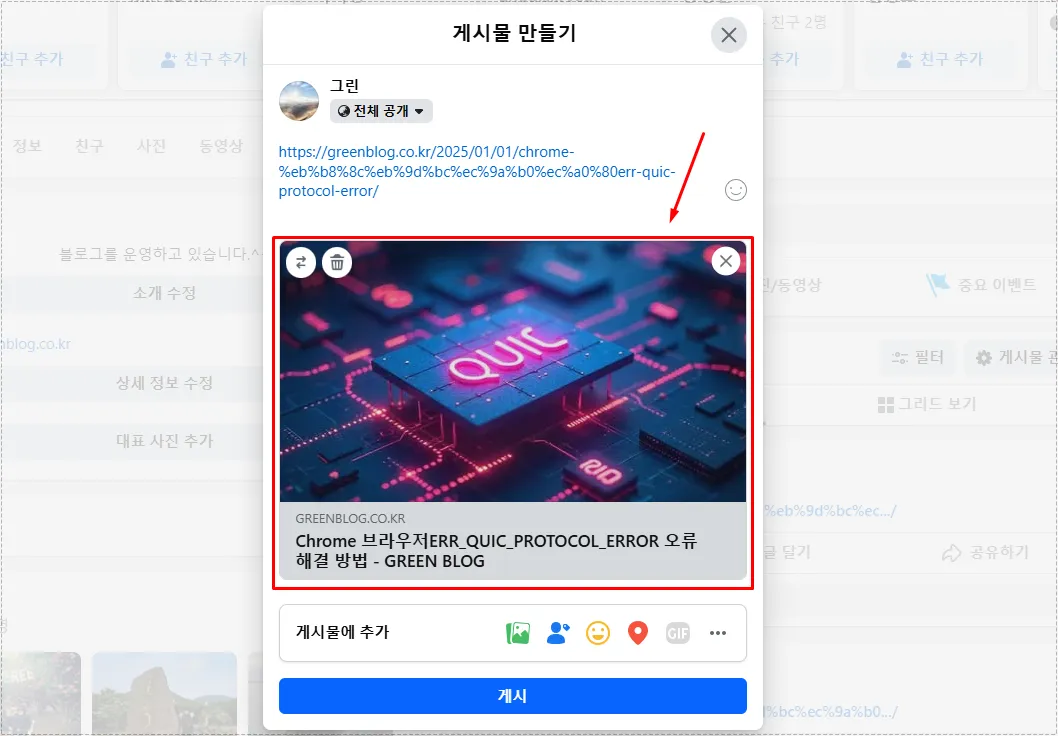
What confused me most was that the images looked fine inside WordPress.
The issue became easier to understand after reviewing how platforms like Facebook and X generate preview cards. They rely on specific image proportions and often crop images automatically when the original dimensions do not match expected layouts.
This is another common symptom associated with the WordPress featured image not showing issue.
Theme Layouts Can Expose Hidden Image Problems
The third warning sign appeared directly on the website.
Some WordPress themes display featured images inside large header sections. When a low-resolution image is stretched to fill a wide banner area, the quality drops significantly.
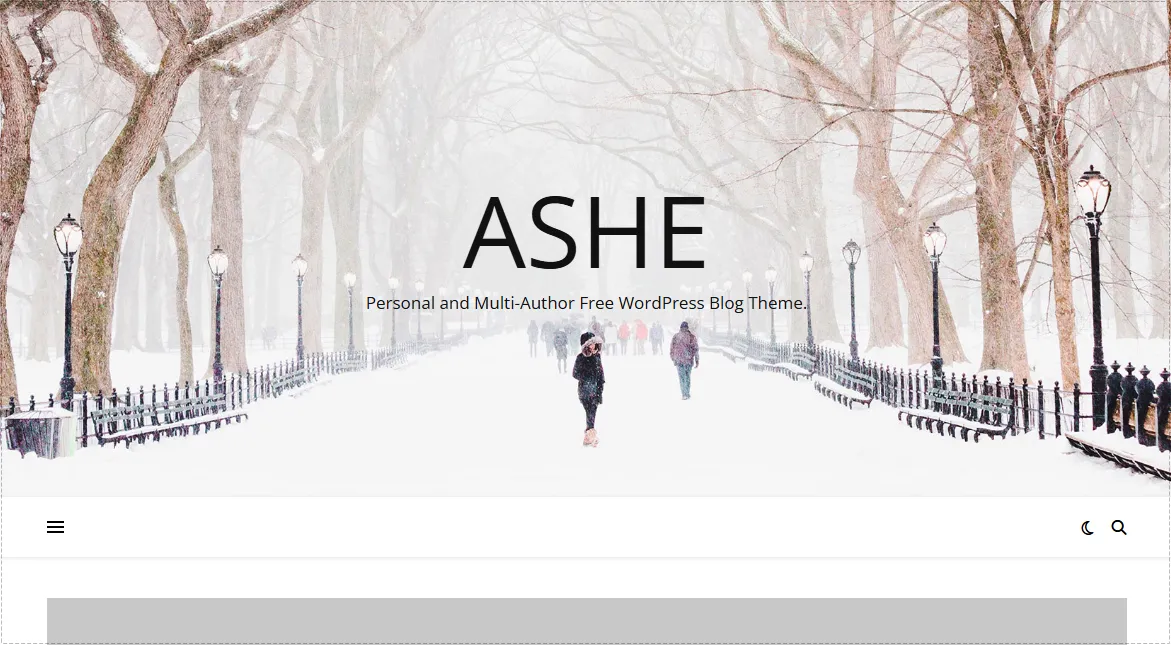
The image file itself was not broken.
The theme simply required a larger image than the original upload could provide. Once enlarged, the image became blurry and lost detail. At that point, the WordPress featured image not showing investigation expanded beyond search results and started affecting overall site presentation.
The Fix That Solved the WordPress Featured Image Not Showing Issue
After reviewing search results, social previews, and theme layouts, the common factor became obvious. Image dimensions were inconsistent.
Instead of relying on automatic resizing plugins, I began preparing every featured image before uploading it to WordPress.
The dimensions I standardized were:
- Recommended size: 1200 × 630 pixels
- Minimum size: 600 × 315 pixels
- Aspect ratio: 1.91:1
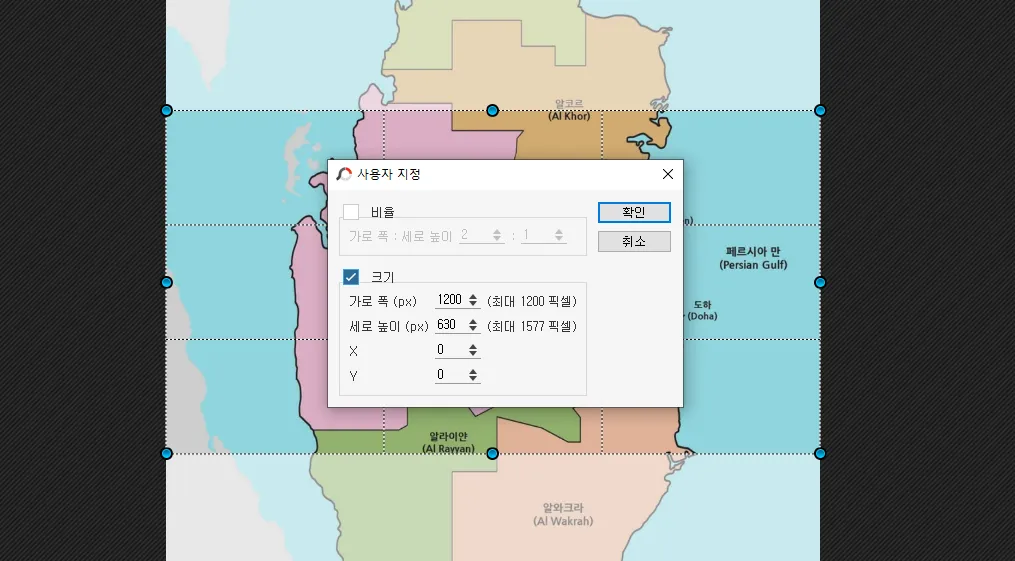
After switching to a consistent format, the WordPress featured image not showing problem gradually disappeared on newly published content.
Search results became more consistent, social previews looked cleaner, and theme layouts displayed sharper images.
Changes After Standardizing Featured Images
The improvements were not limited to one area.
Several changes became noticeable:
- Search results started displaying thumbnails more consistently.
- Social media previews stopped cropping important content.
- Large theme headers appeared sharper.
- Click-through behavior improved because listings became more visually noticeable.
For image-heavy websites, these small visual improvements can have a direct impact on user engagement.
The most important lesson was that the WordPress featured image not showing issue often starts before the image is uploaded. Once the image dimensions are standardized, many related problems disappear at the same time.
Final Thoughts
I originally assumed the issue was connected to metadata, indexing, or LiteSpeed Cache behavior. After checking multiple settings, the actual cause turned out to be image sizing.
The WordPress featured image not showing problem is frequently linked to inconsistent dimensions, incorrect aspect ratios, or images that are simply too small for modern search and social platforms.
Keeping featured images at 1200×630 with a consistent 1.91:1 ratio has been the most reliable solution in my experience. It improved search appearance, social sharing previews, and theme presentation without requiring additional plugins or complex configuration changes.
FAQ
Why is my WordPress featured image not showing in Google Search?
Google does not display thumbnails for every page. Images that are too small or use inconsistent aspect ratios are less likely to appear.
Can LiteSpeed Cache cause the WordPress featured image not showing issue?
Usually not. Cache behavior may delay updates, but image dimensions are a much more common cause.
What featured image size works best for WordPress?
A 1200×630 image using a 1.91:1 ratio works well across Google Search, Facebook, X, and most WordPress themes.